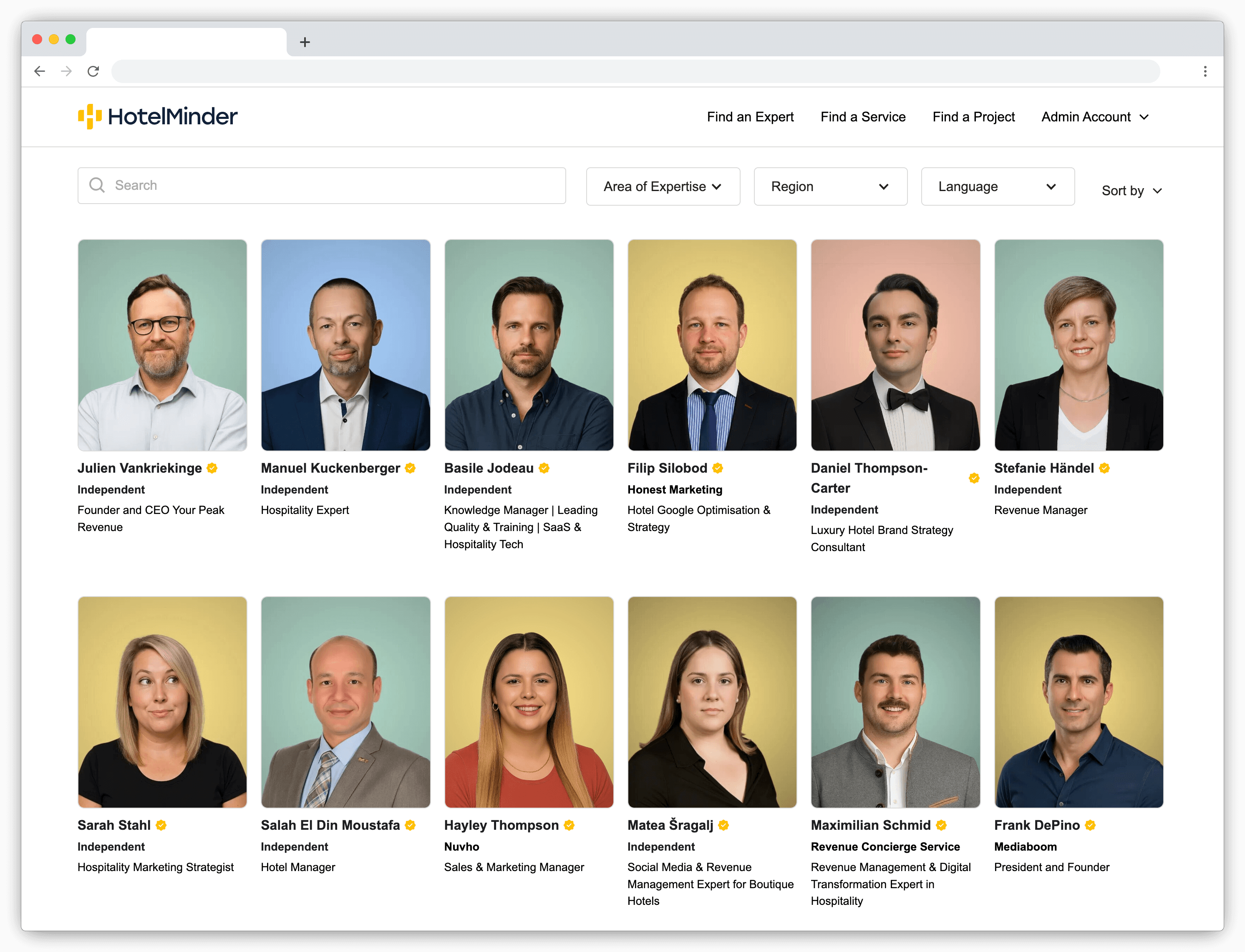
Based on 13+ years advising independent hoteliers on OTA distribution and tech setup, we've helped properties across Europe navigate the full Booking.com Extranet — from first login through PMS integration and rate strategy.
The short answer: Booking.com Extranet is the admin dashboard where hoteliers manage their property on Booking.com: reservations, rates, availability, guest communication, and performance data. The Pulse app gives you the same core access from your phone.
Booking.com Extranet can be overwhelming, especially when you’re going digital for the first time. Through this admin Extranet, you can check reservations, interact with guests, and do much more. It helps you manage your entire property’s account on Booking.com.
This article goes into the details of what is the Booking.com Extranet and how to use it. It will help you understand how to use Booking.com Extranet efficiently and improve guest experiences.
Let’s dive in.
What is Booking.com Extranet?
Booking.com Extranet login is your digital command center to manage your hotels and other rental accommodation properties on Booking.com. It’s a streamlined admin dashboard to take care of your property’s online presence effortlessly.
It allows you to update room rates and availability, check reservations coming from bookings com sign in, and reply to messages and reviews. Think of it as your virtual reception desk.
Depending on the type of admin access you have – primary or user – you can update all the info displayed on a Booking.com property page. You can even connect your dashboard to other best hotel property management systems through this Booking.com admin site.
The Booking.com Extranet dashboard puts reservations, rates, and guest communication in one place.
What Can You Do with the Booking.com Extranet?
The powerful admin dashboard has all the necessary functionalities to streamline the management process. Here’s taking a quick look at them:
1. Manage Property Information
The Extranet lets you update essential information such as property descriptions, room details, and facilities. Other details, such as policies and photos, can also be updated to ensure the listing accurately reflects your hotel’s offerings. You can enjoy complete control of your property’s details on Booking.com.
2. Update Room Rates and Availability
Booking.com Extranet admin helps you stay competitive as per the market demands. Market trends can swing Booking.com wildly; after all, it’s among the most preferred sites and is topping our list of the 10 Best Online Travel Agencies. You can adjust room rates and availability and fix minimum stay requirements easily. The Extranet also allows you to set discount prices and manage special offers to maximize revenue.
3. Monitor Reservations
Your admin dashboard provides a comprehensive overview of all room reservations made through Booking.com. You can keep track of incoming guest reservations, modifications, and cancellations in real-time. It helps you manage your hotel’s occupancy efficiently.
4. Communicate with Guests
Another way the Extranet dashboard helps is by providing access to guests’ queries. You can respond to guests’ inquiries and requests or initiate a new conversation on your own. This feature is available on Extranet as well as the Booking.com Pulse app. It ensures excellent guest experiences and positive reviews.
5. Access Performance Insights
The dashboard also enables you to track key metrics like booking trends, guest demographics, and generated revenue. The numbers can give you valuable insights into your property’s performance and guests. And the best thing is that the reports are customizable and in real-time to help you make well-informed decisions. Results of competitor properties are also available in the analytics.
Booking.com Extranet's analytics tab shows booking trends, guest demographics, and competitor data in real time.
How to use Booking.com Extranet?
Booking.com’s Extranet is a backstage pass to the world of online bookings. It has all the tools to manage your rental property online and oversee guest bookings. And it’s a breeze once you get the hang of it.
Here’s how to use the platform for different purposes:
Create an Account
On the top-right of the Booking.com login page, click “List your property.” On the page that opens, click the “Get started now” button to create a Booking.com partner account. Registration is free and takes about 15 minutes.
Update Room Rates and Availability
You can add room types, their minimum occupancy, and rates during the listing process and modify them later. Navigate to the “Rates & Availability,” select Calendar, and adjust prices and availability as needed.
Manage Reservations
You can keep track of bookings through the “Reservations” tab on the Extranet dashboard. It provides a comprehensive overview of all room bookings made through Booking.com. You can also make modifications easily from this section.
Interact with Guests
To view and respond to inquiries, check the Inbox tab on your Booking Extranet. All conversations are listed in the “Reservation messages” section. And to contact a guest on your own, you can initiate a conversation from the “Reservations” tab. Booking.com also has a public Q&A section where you can answer potential questions from your future guests.
With HotelMinder, match with vetted hotel experts to solve your operational problems.
Access specialists to boost occupancy, ADR & revenue.
Effortlessly upgrade your technology and online presence.
Quickly solve complex distribution and technology challenges.
To ensure that your property’s page accurately reflects your offerings, check the “Property” section. You can update your hotel’s amenities, policies, and services as and when they change. You should also add the latest photos and descriptions to keep potential guests well-informe
Keep property details accurate and up to date directly from the Booking.com Extranet property section.
Note that you can also connect a Channel Manager or other integrated hotel softwares to booking.com in order to dynamically handle availability, rates, bookings etc simultaneously with other OTAs and your own website Booking Engine.
What Is the Booking.com Pulse App and How Does It Work?
Booking.com Extranet app called Pulse is an easy-to-use mobile software to manage your property on the go. It enables you to stay connected and in control. It puts the power of booking management right at your fingertips.
With an intuitive interface and real-time updates from the Booking.com Pulse app, you can keep an eye on your property’s performance quite efficiently. From glancing at bookings to handling guest communications on the fly, the app comes in handy for several purposes.
The Pulse Extranet app is an effective tool to ensure a seamless guest experience. You can log into it with the same username and password as Booking.com website’sExtranet.
Get More from Your Booking.com Distribution Strategy
Managing your Extranet well is a start. If you need help optimising your wider distribution setup, evaluating your tech stack, or working with an expert on rate strategy, HotelMinder can help.
Work with a hospitality consultant:Lobby connects independent hoteliers with vetted experts for distribution, revenue management, and tech implementation — on demand.
Evaluate your hotel tech: The HotelMinder Tech Index ranks property management systems, channel managers, and booking engines with expert-validated reviews.
Go deeper on OTA strategy: The HotelMinder Knowledge Hub has practical guides on distribution, direct booking, and revenue management.
Frequently Asked Questions about Booking.com Extranet
What is Booking.com Extranet?
Booking.com Extranet is the admin dashboard hoteliers use to manage their property on Booking.com. It covers reservations, rates and availability, guest communication, and performance reporting. Access it at admin.booking.com.
How do I log in to Booking.com Extranet?
Go to admin.booking.com and enter the username and password you created when registering your property. If you've forgotten your credentials, use the "Forgot password" link on the login page.
What is the Booking.com Pulse app?
Pulse is the Booking.com mobile app for property managers. It uses the same login as the Extranet and lets you manage reservations, respond to guest messages, and monitor performance on the go.
Can I connect my PMS to Booking.com Extranet?
Yes. Booking.com integrates with most hotel property management systems and channel managers. Once connected, your PMS handles rate and availability updates automatically across channels — including Booking.com.
Who can access Booking.com Extranet?
The primary account holder has full admin access. You can add additional users with restricted permissions — useful for front desk staff who need reservation access without visibility into financials or account settings.
What's the difference between Booking.com Extranet and the Pulse app?
The Extranet is the full web dashboard with access to all features. Pulse is the mobile companion app covering the most common daily tasks: checking reservations, responding to messages, and making quick rate and availability updates.
Can I manage multiple properties from one Booking.com account?
Yes. If you manage more than one property, you can switch between them from within the Extranet. Each property has its own settings, rates, and calendar.
Share this article on:
Written by HotelMinder
We help busy hoteliers find, setup and run the right applications and services to manage business according to their needs, budget, technical and human resources requirements.
With a team of experienced and knowledgeable experts in the hospitality industry, HotelMinder has become a platform to easily connect you with the best minds and technology available on the market.
HotelMinder brings value to independent hoteliers through a Knowledge Hub,
a Tech Index,
and one-to-one hotel management consulting services. Since 2013, we provide actionable solutions to critical business challenges, while establishing a relationship based on trust, engagement and mutual benefit. We help hotels meet their goals through better operations, smarter software decisions, and clear, actionable advice.
Launched in 2025, Lobby is our new curated network of hospitality consultants. Lobby connects hotel decision-makers with carefully vetted experts to deliver fast, effective solutions to hoteliers’ top problems. If you are a hotelier who needs project support, unbiased information, or strategic advice, you can enter the Lobby for free.
Your trust is our top priority.
Whether you're choosing technology or connecting with an expert, we're committed to transparency.
Here’s how we ensure you get unbiased, reliable guidance.
Learn more about our promise.
Looking for help with your hotel online distribution? We can help.
Cloudbeds Spring Release 2026 adds Groups & Events, Spaces, a new booking engine, Accounting, enhanced Insights, and conversational AI. Here's what changed.
HotelMinder welcomes Lighthouse as a Preferred Partner, expanding its hotel commercial strategy technology category with real-time market intelligence tools.
A hotel consultant debunks 3 common hotel technology myths. Learn why new tech isn't always the answer & how to truly optimize hotel operations for profit.